

 See My Latest Article on HelloNation

Office work can place steady stress on the neck, shoulders, back, wrists, and hips, especially when sitting, typing, or looking down for several hours. For residents of Queen Creek, AZ, practical workstation adjustments, regular movement, and attention to early symptoms can help reduce strain and support more comfortable workdays.
Why can office work cause back and neck discomfort?
Desk work is not harmful simply because it involves sitting. The greater concern is staying in one position for too long, particularly when the head moves forward, the shoulders round, or the lower back loses support.
Common contributors include:
- A monitor positioned too low or too far away
- A chair that does not support the lower back
- Feet that do not rest comfortably on the floor
- Reaching repeatedly for a mouse or keyboard
- Holding the phone between the ear and shoulder
- Working on a laptop without an external keyboard or raised screen
- Remaining seated through long meetings or focused work periods
The body generally tolerates a variety of positions better than it tolerates prolonged stillness. A posture that feels acceptable for a few minutes may become uncomfortable after several hours.
How should a desk be adjusted?
A comfortable workstation should allow the head, neck, arms, hips, and feet to remain supported without forcing the body into a rigid position.
Start with the chair. Adjust its height so the feet are supported and the knees are roughly level with, or slightly lower than, the hips. The lower back should rest against the chair rather than hovering forward. If the chair does not provide enough support, a small rolled towel or firm cushion may help temporarily.
The monitor should be directly in front of the user, not angled far to one side. The upper portion of the screen should be close to eye level, with the screen positioned about an arm’s length away. The ideal height varies with glasses, screen size, and individual comfort, so the goal is to prevent repeated bending of the neck.
Keep the keyboard and mouse close enough that the elbows stay near the sides of the body. The forearms should be approximately level with the desk, and the wrists should remain relatively straight rather than bent sharply upward or sideways.
A laptop used for extended periods can be difficult to position correctly because the screen and keyboard are attached. Raising the screen while using a separate keyboard and mouse can reduce the need to bend the neck.
What is the most comfortable sitting posture?
There is no single perfect posture that must be held all day. A useful position is one that feels balanced, allows easy breathing, and does not create pressure in the neck, shoulders, hips, or lower back.
Helpful guidelines include:
- Keep the head generally aligned over the shoulders.
- Let the shoulders rest down rather than pulling them forcefully backward.
- Keep the elbows close to the torso.
- Place both feet on the floor or on a stable footrest.
- Avoid sitting on one leg for long periods.
- Change position before discomfort becomes intense.
Posture correction should not feel like a strenuous exercise. Pulling the shoulders back aggressively or holding the stomach tightly may create additional tension. Gentle alignment and frequent movement are usually more sustainable.
How often should office workers move?
Brief movement breaks are more practical than waiting for a long exercise session at the end of the day. Standing or walking for a few minutes every half hour to hour can interrupt prolonged loading of the spine and muscles.
Movement can be built into ordinary tasks:
- Stand while reviewing a short phone call.
- Walk during part of a meeting when appropriate.
- Refill water instead of keeping a large supply at the desk.
- Perform a few shoulder rolls between tasks.
- Look away from the screen regularly.
- Change from sitting to standing when the work setup allows it.
The goal is not to avoid sitting entirely. It is to avoid remaining motionless for extended stretches. Even a well-adjusted chair cannot replace regular changes in position.
Which stretches are useful at a desk?
Desk stretches should be slow, comfortable, and free of sharp or radiating pain. They may reduce the feeling of stiffness, but they should not be used to force a joint or “crack” the neck or back.
Simple options include:
- Neck movement: Slowly turn the head left and right within a comfortable range.
- Shoulder circles: Move the shoulders gently backward and downward several times.
- Chest opening: Place the hands behind the back or on the sides of the chair and gently draw the shoulders back without forcing them.
- Hip movement: Stand and take a few slow steps, allowing the hips and knees to move naturally.
- Upper-back motion: Place the hands across the chest and gently rotate the upper body from side to side.
- Calf and ankle movement: Rise onto the toes or move the ankles while seated to encourage circulation.
Stretching should not cause numbness, weakness, dizziness, or increasing pain. Those symptoms call for stopping the movement rather than pushing through it.
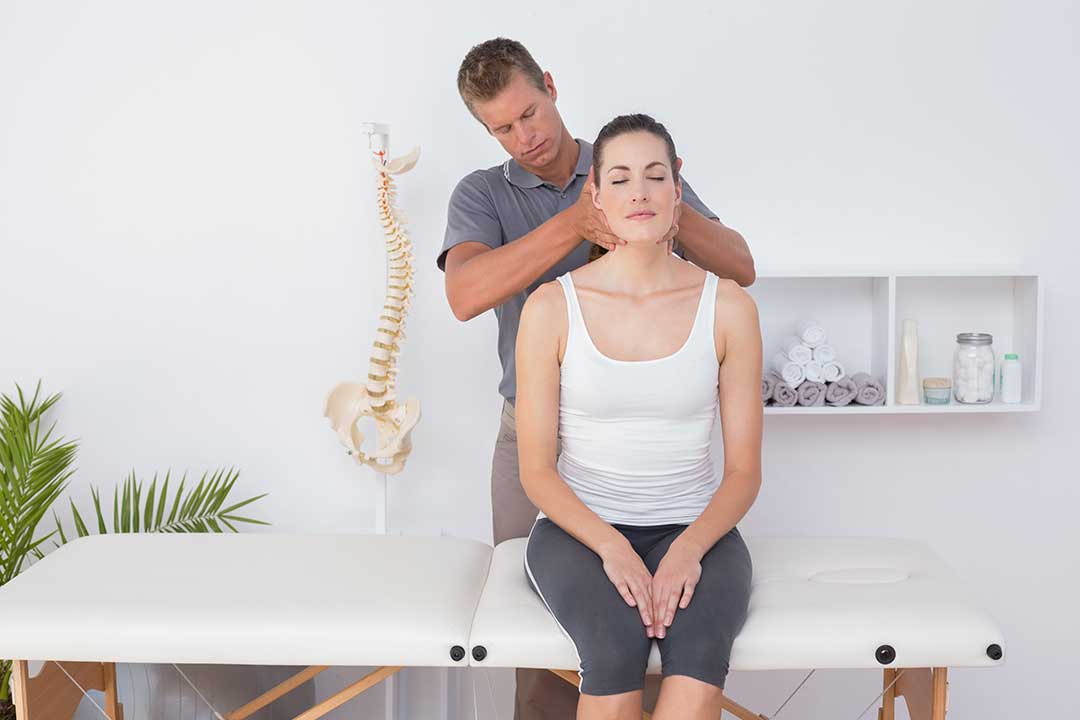
Can chiropractic care help with desk-related discomfort?
Chiropractic care may be used as part of a broader plan for certain mechanical neck or back complaints, particularly when symptoms are related to joint movement, muscle tension, or repeated postural strain. It is not a substitute for workstation changes, physical activity, sleep, or medical evaluation when warning signs are present.
A careful assessment should consider the location, duration, severity, and behavior of symptoms. It should also account for injuries, medications, medical conditions, nerve symptoms, and other factors that may affect which approaches are appropriate.
Treatment may include education, mobility work, exercise guidance, soft-tissue techniques, or manual joint techniques. The appropriate approach depends on the individual and should not be based on the assumption that every case is caused by a “misaligned” spine.
When should office workers seek medical evaluation?
Most mild stiffness related to prolonged desk work improves with movement, rest, and practical changes. Medical evaluation is more appropriate when symptoms are severe, persistent, worsening, or associated with signs that may indicate nerve or other medical involvement.
Warning signs include:
- New or progressive weakness in an arm or leg
- Numbness that persists or spreads
- Loss of coordination or balance
- Severe pain after a fall, collision, or other injury
- Changes in bladder or bowel control
- Fever, unexplained weight loss, or feeling significantly unwell
- A severe headache with unusual neck stiffness
- Pain that repeatedly wakes a person or worsens despite basic care
These symptoms should not be managed solely through desk adjustments or stretching. Prompt medical guidance may be necessary.
What local habits can affect office comfort?
Warm conditions can influence how people work at home or in shared office settings. During hotter parts of the year, people may spend more time indoors, use air conditioning, or remain seated for longer periods while working remotely. A cool room can also lead some people to hold the shoulders slightly elevated, especially when sitting near a vent.
A practical setup includes adequate hydration, comfortable clothing, reasonable room temperature, and enough space to stand and walk safely. In homes where a dining table, kitchen counter, or couch doubles as a workstation, temporary arrangements should be checked frequently because these surfaces often place the screen, keyboard, or chair at an awkward height.
The most effective approach is usually a combination of a workable desk arrangement, regular movement, and early attention to symptoms rather than waiting until discomfort becomes difficult to ignore.